Don't have an account?
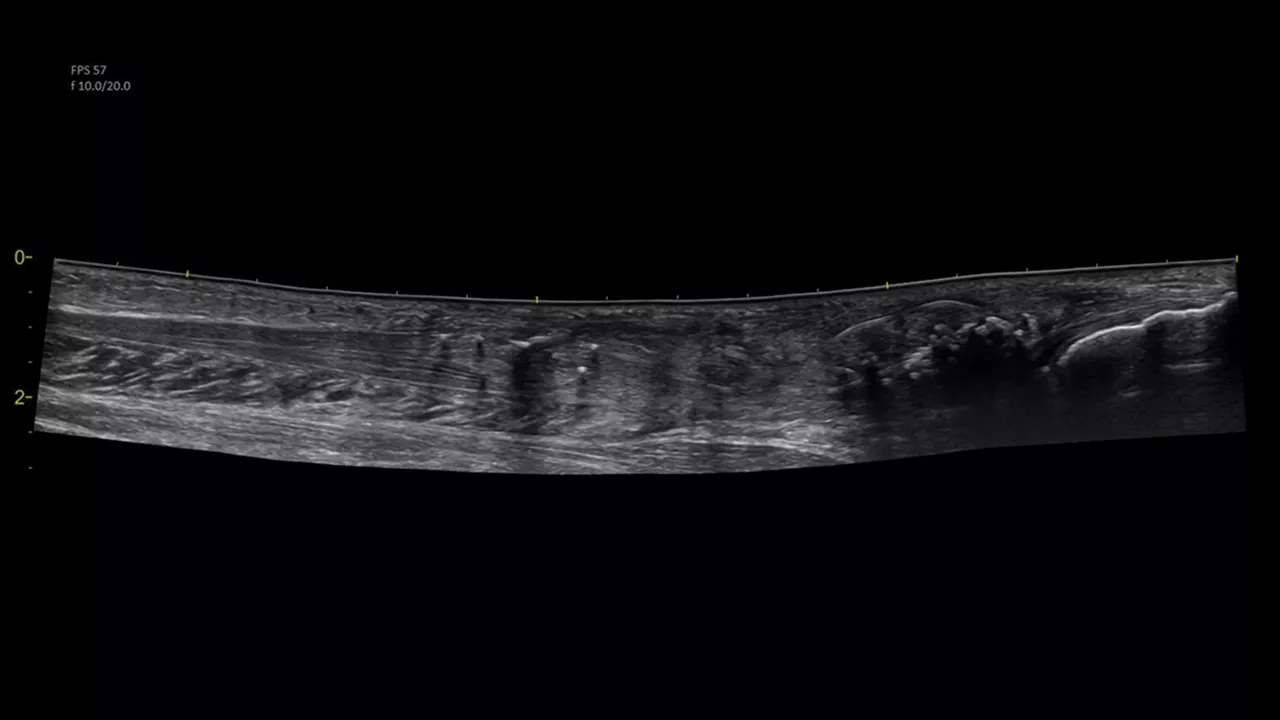
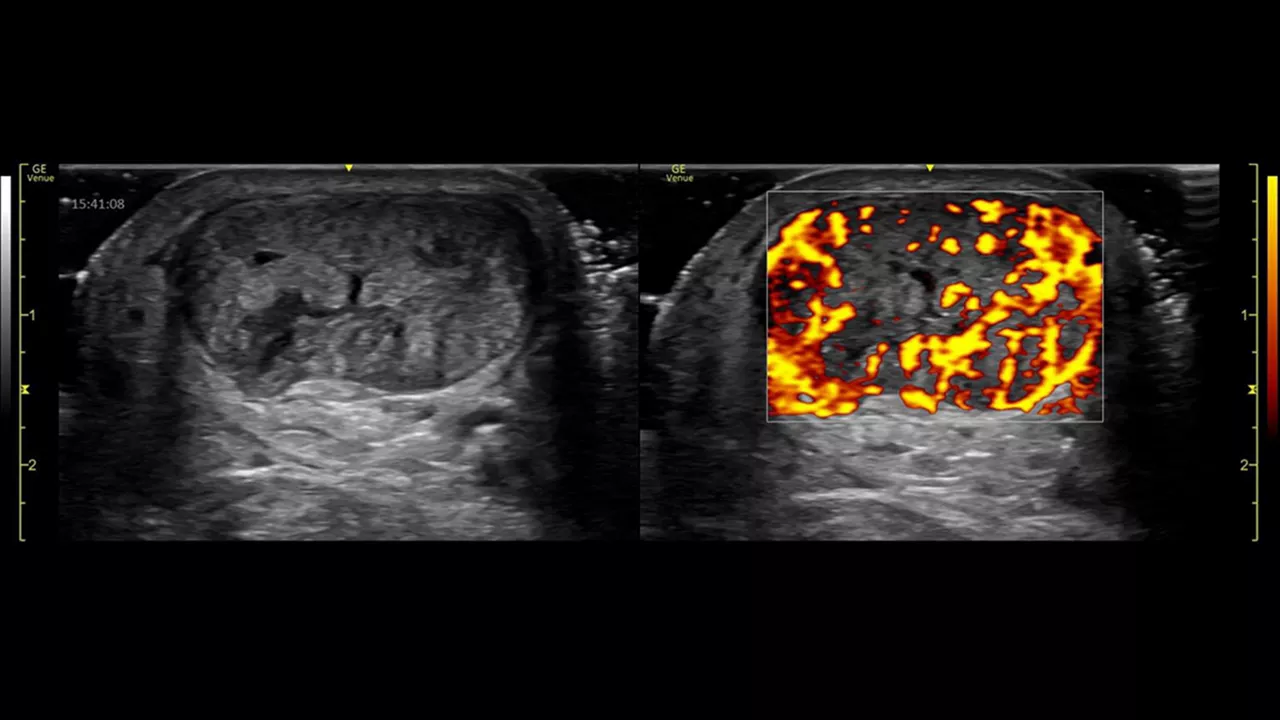
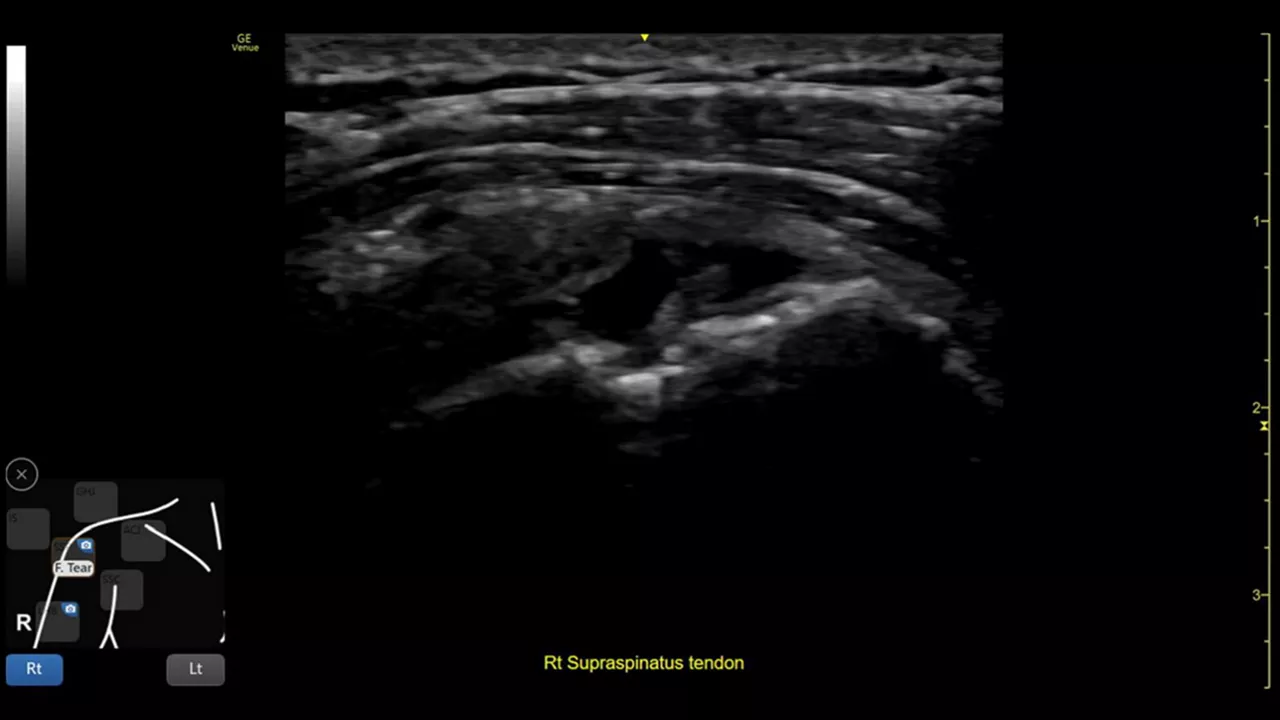
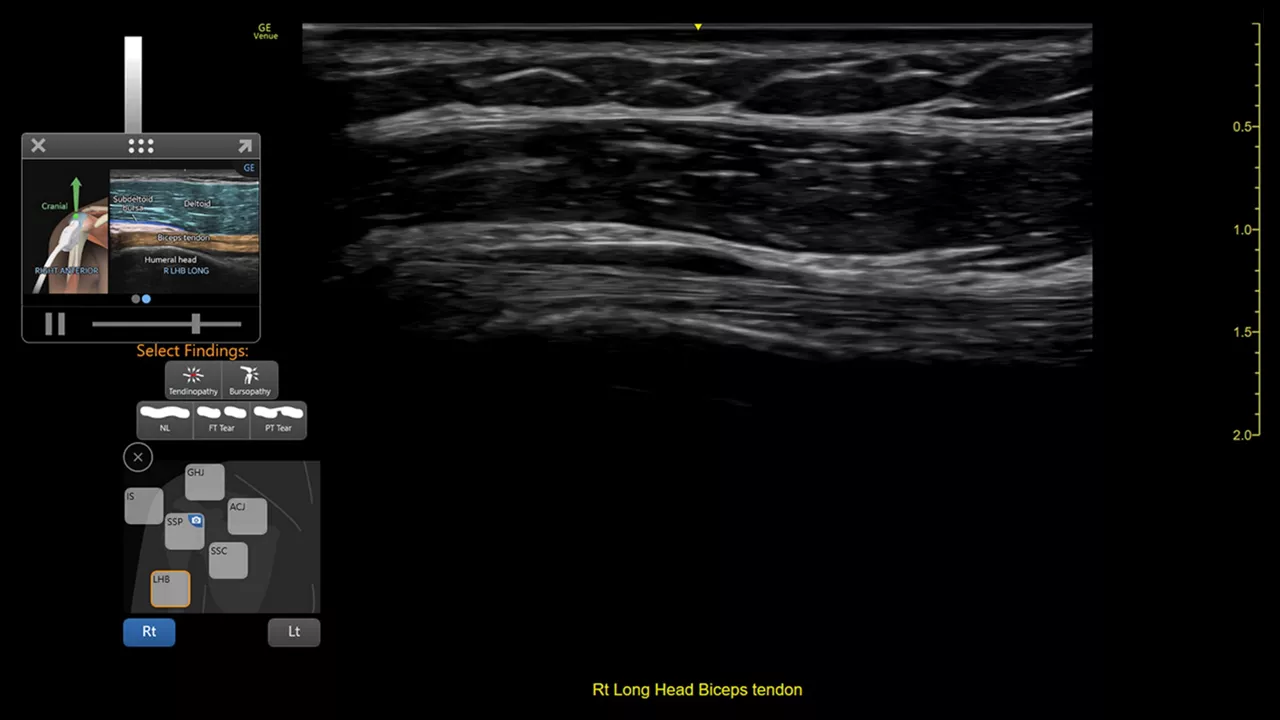
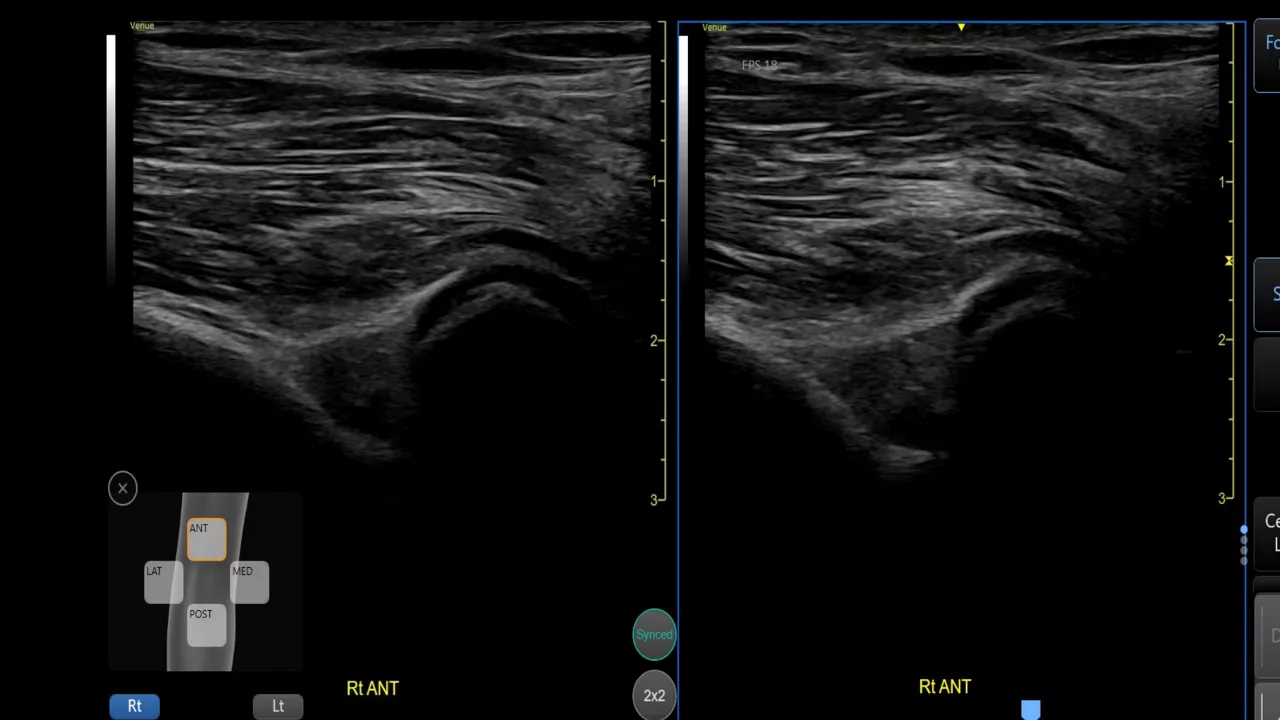
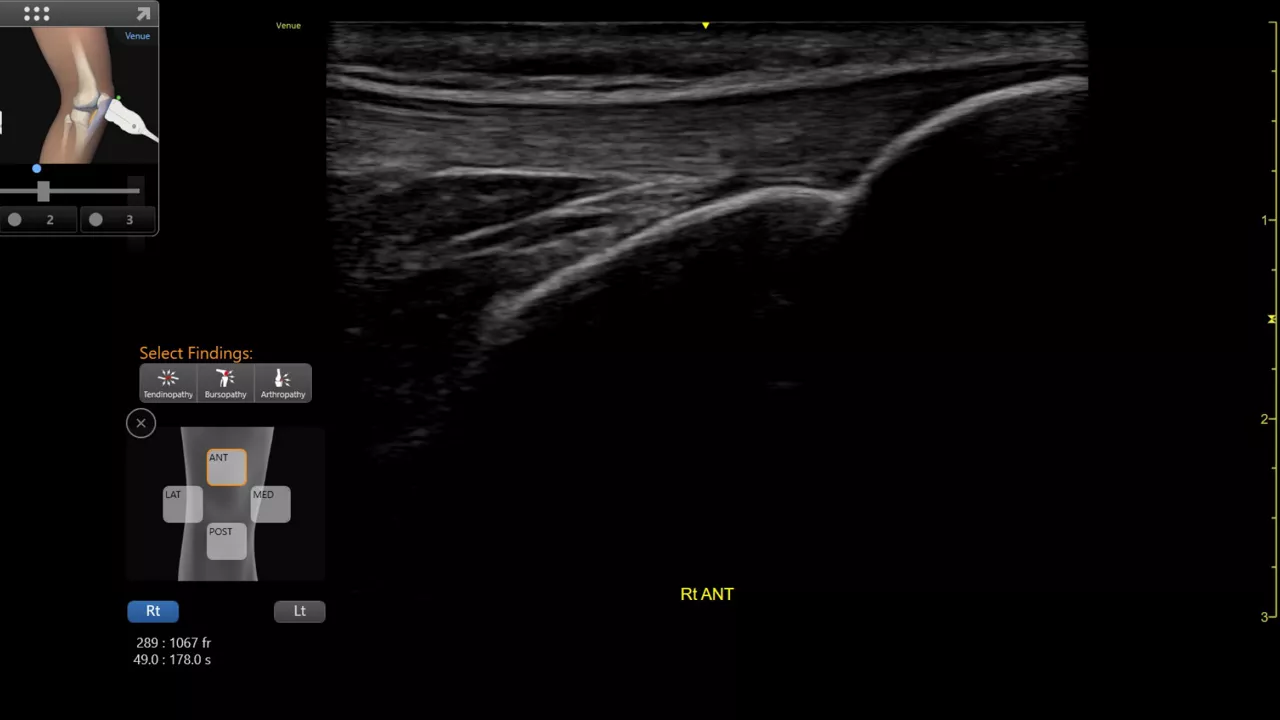
Providing musculoskeletal (MSK) practitioners with effortless and precise ultrasound, the VenueTM family of AI-enabled point of care ultrasound systems allows you to quickly assess tendons, muscles, and joints, and manage patient progress during a course of treatment. Improving both the patient and practitioner experience, Venue family products enable fast assessments and accurate needle procedures.