Don't have an account?
BENEFITS
Acquire information easily
Our advanced algorithm helps to simplify complicated steps
Ready to go
With up to 4-hours of battery life, Venue is ready at a moment’s notice in busy ER units
Built for durability
Supporting infection control, Venue offers an easy-to-clean screen that can withstand bumps and splashes
Reduce variability
Drive consistency from user to user with Venue’s intuitive tools
Supporting emergency care practitioners through a variety of features, Venue transforms emergency departments with automated tools that help you to quickly triage patients and determine a care pathway.
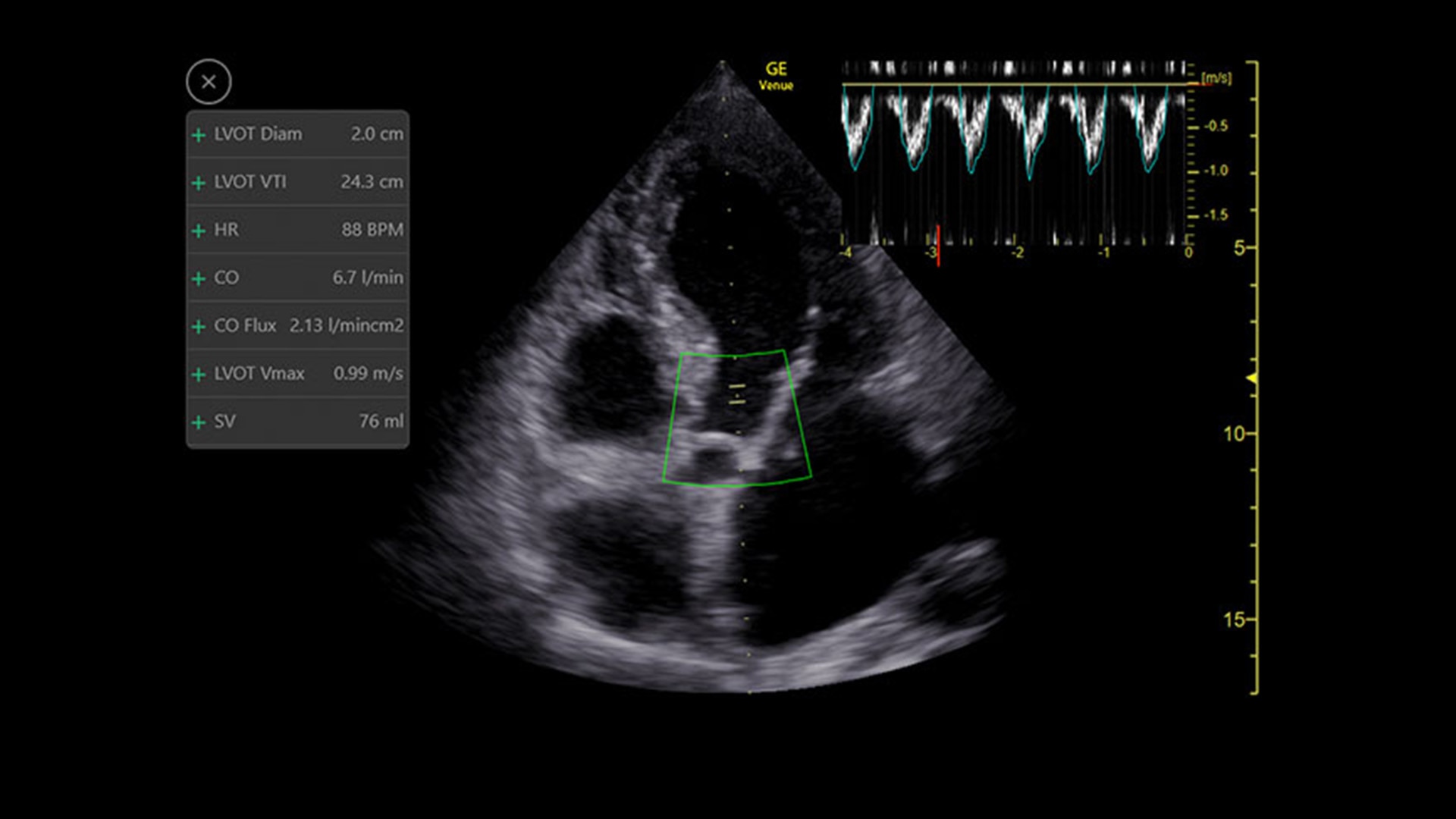
Medical shock in its many forms is a leading cause of death around the world.1 While ultrasound can help identify the cause of shock, it can require many manual steps and the guidelines can be complex. The Shock Toolkit quickly gets you the information you need to make fast decisions when triaging patients in shock. With tools such as Auto B-Lines, Auto VTI and Auto IVC, it simplifies a complicated process by utilizing automated calculations that focus on key indicators of patient status; the heart, lungs and inferior vena cava.
Capture precise results instantly without requiring ECGs—thanks to Real-Time EF, an AI tool that continuously calculates real-time ejection fraction during live scanning in apical 4CH view. And for improved accuracy, its integrated quality indicator helps users select an optimal view for generating exacting results. Reducing the time it takes to reach a result while helping provide consistency, a study found that Real-Time EF results are within ±10 points of experts in 86% of cases.2
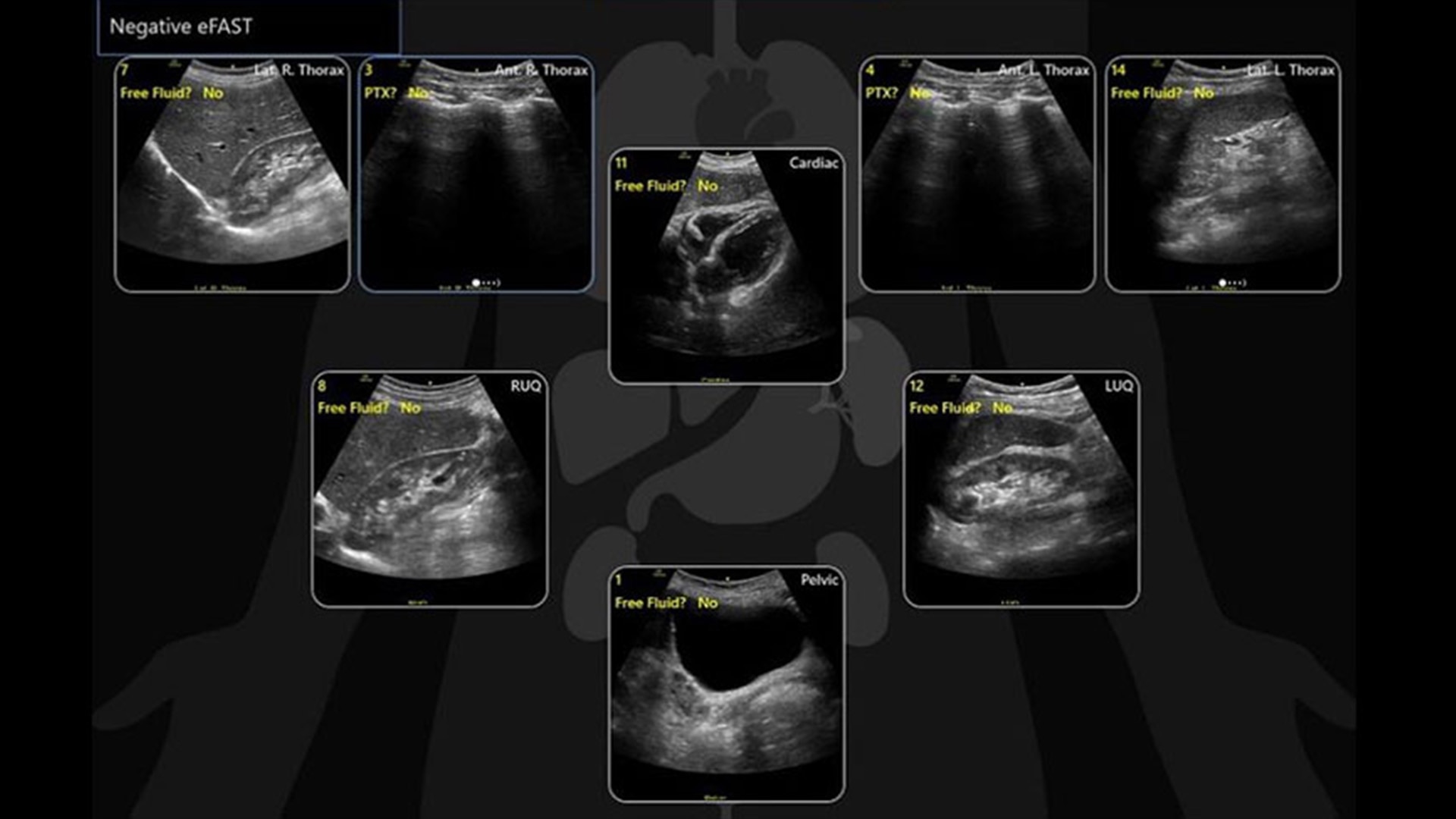
The eFAST tool helps you to quickly assess patient status, from internal bleeding to pneumothorax, and helps drive consistency from user to user by providing a way to reference multiple exams over time.
With the Auto B-Lines tool, you can calculate overall lung score in one step. Use it in conjunction with Lung Sweep to highlight B-lines and display the frame with the most B-lines per rib space.
Helps detect and track nerves in 99% of cases during live scanning or while reviewing a stored clip3 while also displaying a distribution map of the areas on the body impacted by the selected nerve block procedure.
ViewPoint 6 is the simple, efficient, and automated way to create and share professional ultrasound reports. With all vital exam information structured and accessible on one screen, ViewPoint 6 and its automated ultrasound reporting minimizes your time on documentation while maximizing accuracy and consistency of reports. Helping take your focus off time-consuming administrative tasks, ViewPoint 6 keeps your attention where it needs to be—on patient care and outcomes.
From its straightforward design to its AI-enabled Auto Tools, the Venue Family of point of care ultrasound systems empower physicians to make fast assessments in tough situations.
Visualize the entire lung with Lung Sweep
Lung Sweep provides a dynamic panoramic view of the entire lung. It activates when the probe taps the body and deactivates when the probe is lifted, so there’s no need to touch the screen.
Automatically recall parameter settings with Follow Up
Delivering consistent and clear conclusions for repeated exams on the same patient, Follow Up automatically recalls parameter settings from a previous exam including comments and body patterns. It also supports monitoring of patient response to treatment over time, allowing a side-by-side view of historical and new images.
Remove the clutter with Simple Screen
See only what you need to see with Simple Screen mode, a feature that allows you to see up to a 39%4 larger ultrasound image and view only the icons they want.
Built-in teaching assistance with Scribble
Scribble assists training with a touch-operated pointer and free-drawing capabilities that can also be visible on an external monitor or shared screen.
Quickly assess kidneys and the bladder with Renal Diagram
Simplify documentation and provide easy follow up for patients with suspected hydronephrosis. No need to type findings; simply assign a label from a pre-populated list that correlates with images.
Review lung segment images in one view with Lung Diagram
A single view diagram of anatomical lung segments with one click image storing. Keeps track of segmental lung assessment and can be helpful in showing trends in response to therapy.
Whether you’re looking for an adaptable model that goes from cart to table to wall, or a console system with a large screen, there is a versatile, robust, and simple system made for your point of care.
Venue Go Ultrasound
Venue Fit™ Ultrasound
The latest thought leadership
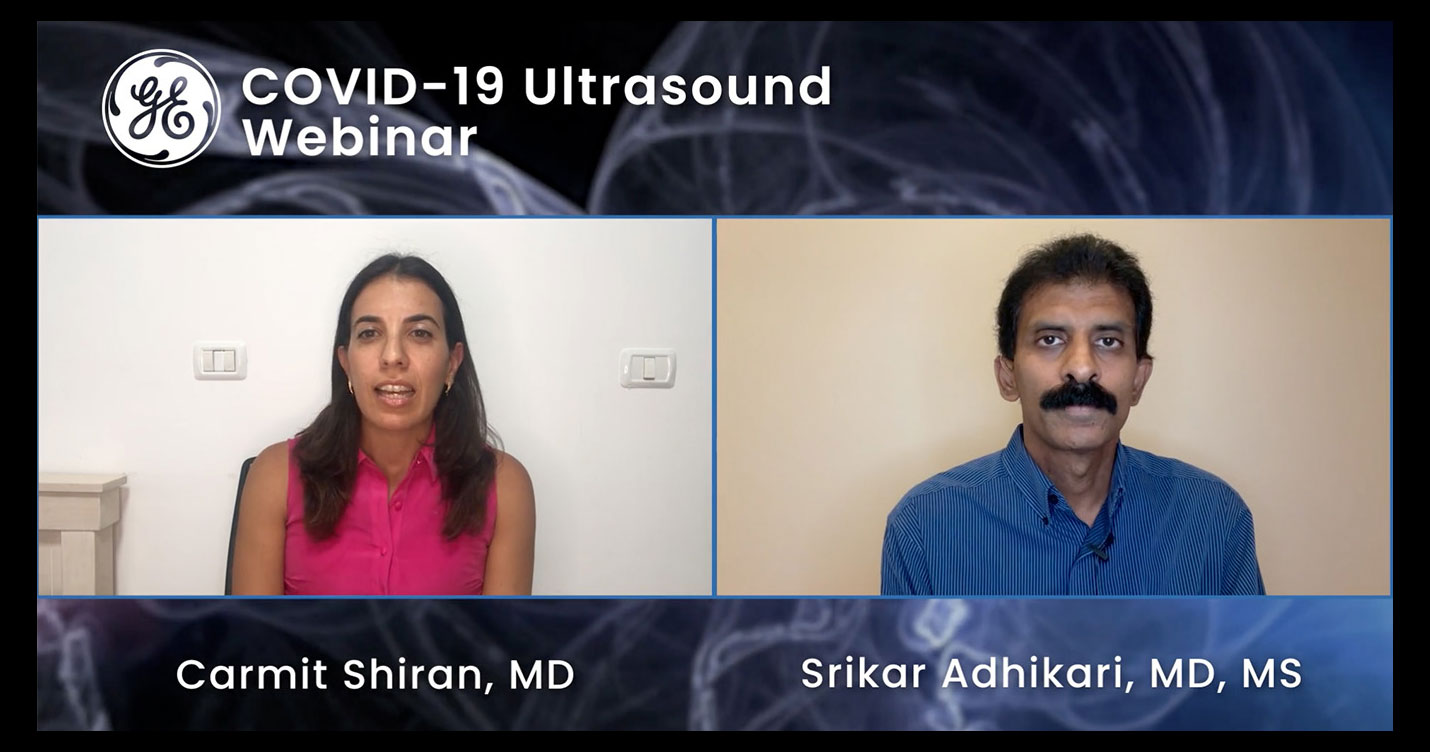
Webinar: Using POCUS in a COVID environment
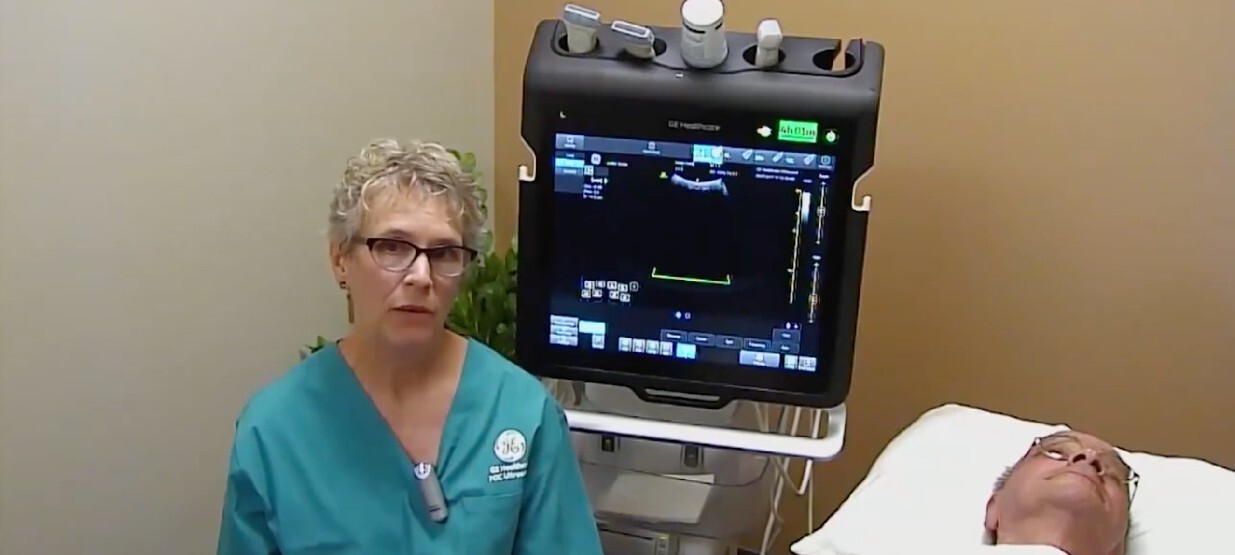
FOCUS on Learning: Understanding lung ultrasound, Cindy Owen, RDMS, RVT, FSDMS
Venue Family POCUS in the NICU