Don't have an account?
Supporting MSK practitioners through a variety of features, Venue enhances patient safety and satisfaction by removing the need for patients to reschedule additional visits.
Even in the most experienced hands, blind injections—those performed without imaging—are not 100% accurate. By using ultrasound for needle guidance, the needle is highlighted and you have quality visualization of joints and soft tissue during procedures at a lower acquisition cost than other imaging modalities.
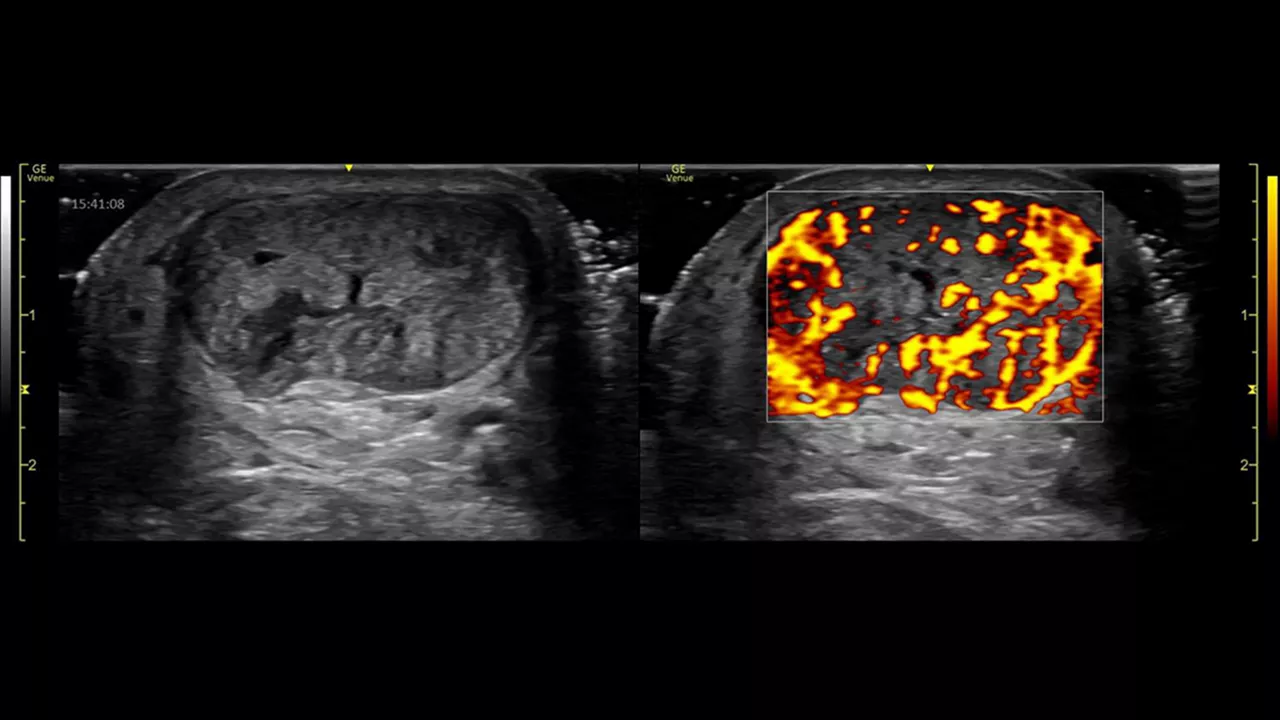
Power Doppler Imaging + (PDI+) is a color flow mapping technique used to map the strength of a Doppler signal coming from the flow rather than the frequency shift of the signal. In PDI+ mode, the sensitivity of the color in the Region of Interest (ROI) increases. Providing a higher resolution than the regular PDI mode, PDI+ is best used for slower blood flows such as those found in wrists, ankles, hands, and feet. This is an additional option that exists within the regular PDI mode.
Leveraging a touch-operated pointer and offering free-drawing capabilities that are visible on an external monitor or shared screen, Scribble helps to fast-track training of new users.
With our button probes, you can perform procedures while controlling multiple parameters of the system from the probe. Needle procedures that once required two people, can now be done with one.
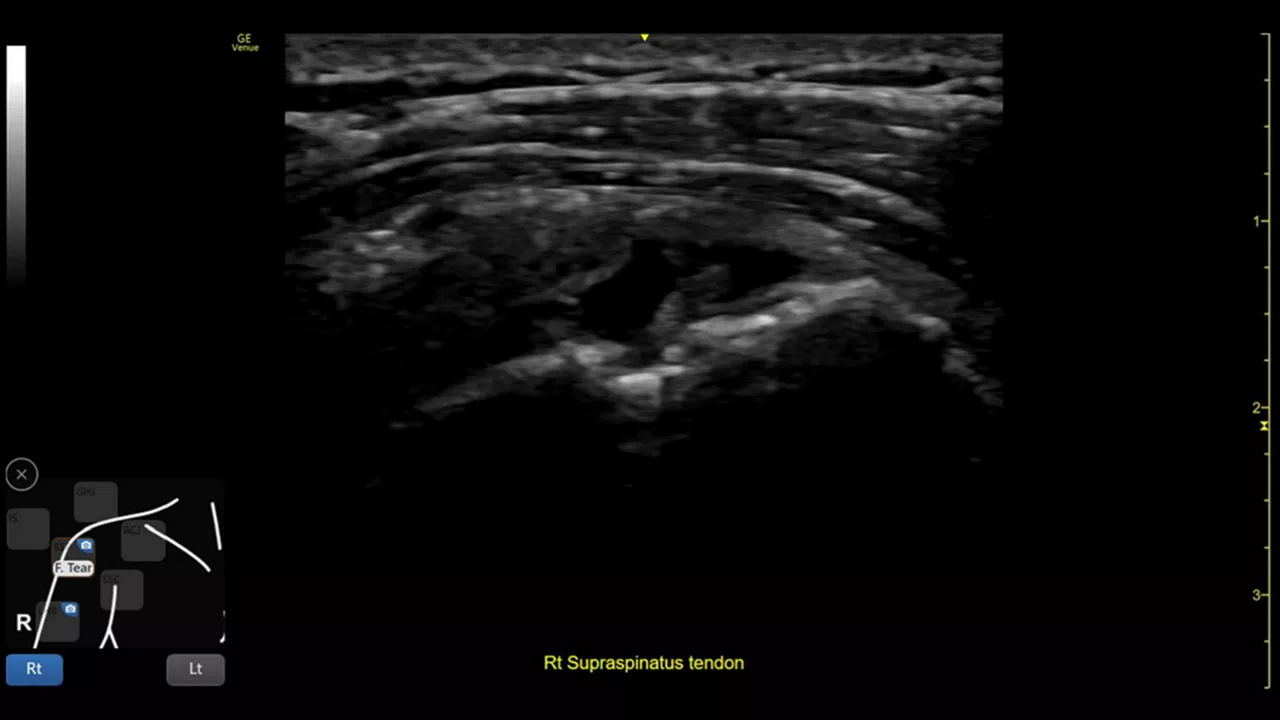
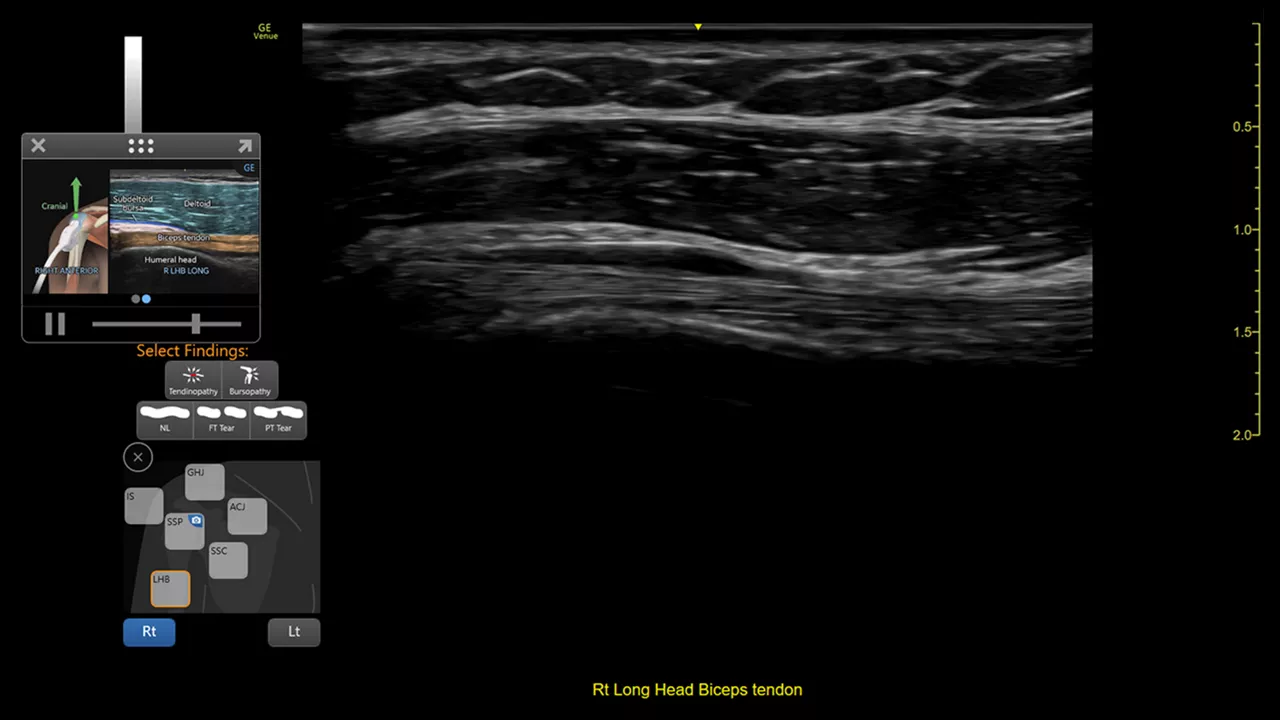
This toolkit combines shoulder diagram, reference image, and bilateral mode to help walk you through the entire shoulder scan while helping facilitate teaching.
Whether the patient is coming to you or you are going to the patient, the Venue family of point of care ultrasound systems empower you to make fast assessments.
Facilitating shoulder scans with Shoulder Toolkit
Simplifies documentation and helps you follow up on patients with suspected shoulder disorders. You can assign a label from a pre-populated list that correlates with images or get a single view diagram with one click image storing.
Visualize more anatomy in a single scan with Virtual Convex
This tool provides a wide field of view so users can visualize more large anatomy structures in a single scan.
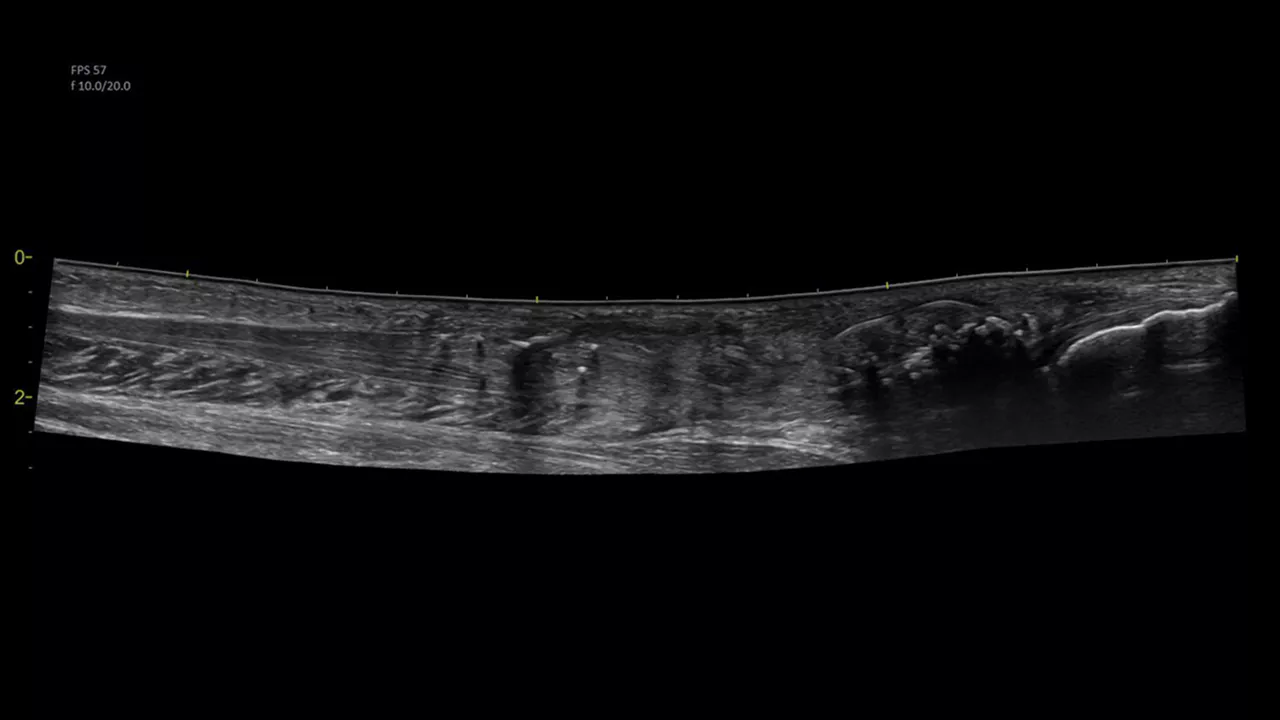
Easily see the anatomy you need to see with Venue View
Supporting diagnostic confidence by constructing a panoramic image from individual frames, Venue View allows you to view up to 60cm of anatomy being scanned with anatomical relationships in one view.2
Excellent visualization with Needle Mode
Needle Mode also allows you to easily differentiate between the needle and patient anatomy with confidence—allowing you to quickly guide the needle exactly where it needs to be and helping to minimize patient discomfort.
Remove the clutter with Simple Screen
See only what you need to see with Simple Screen mode, a feature that allows you to see up to a 39%3 larger ultrasound image and view only the icons they want.
Whether you’re looking for an adaptable model that goes from cart to table to wall, or a console system with a large screen, there is a versatile, robust, and simple system made for your point of care.
Venue Go Ultrasound
Venue Fit™ Ultrasound